


AI-powered CAD Drawing Search
Don't search by filename.
Find similar DWG drawings by shape.
DARE Research uses shapes and blocks inside DWG drawings to find similar drawings in your project folder — without relying on file names.
7-day free trial · Account & card required · Cancel anytime
DARE Research
Search Results
4 results
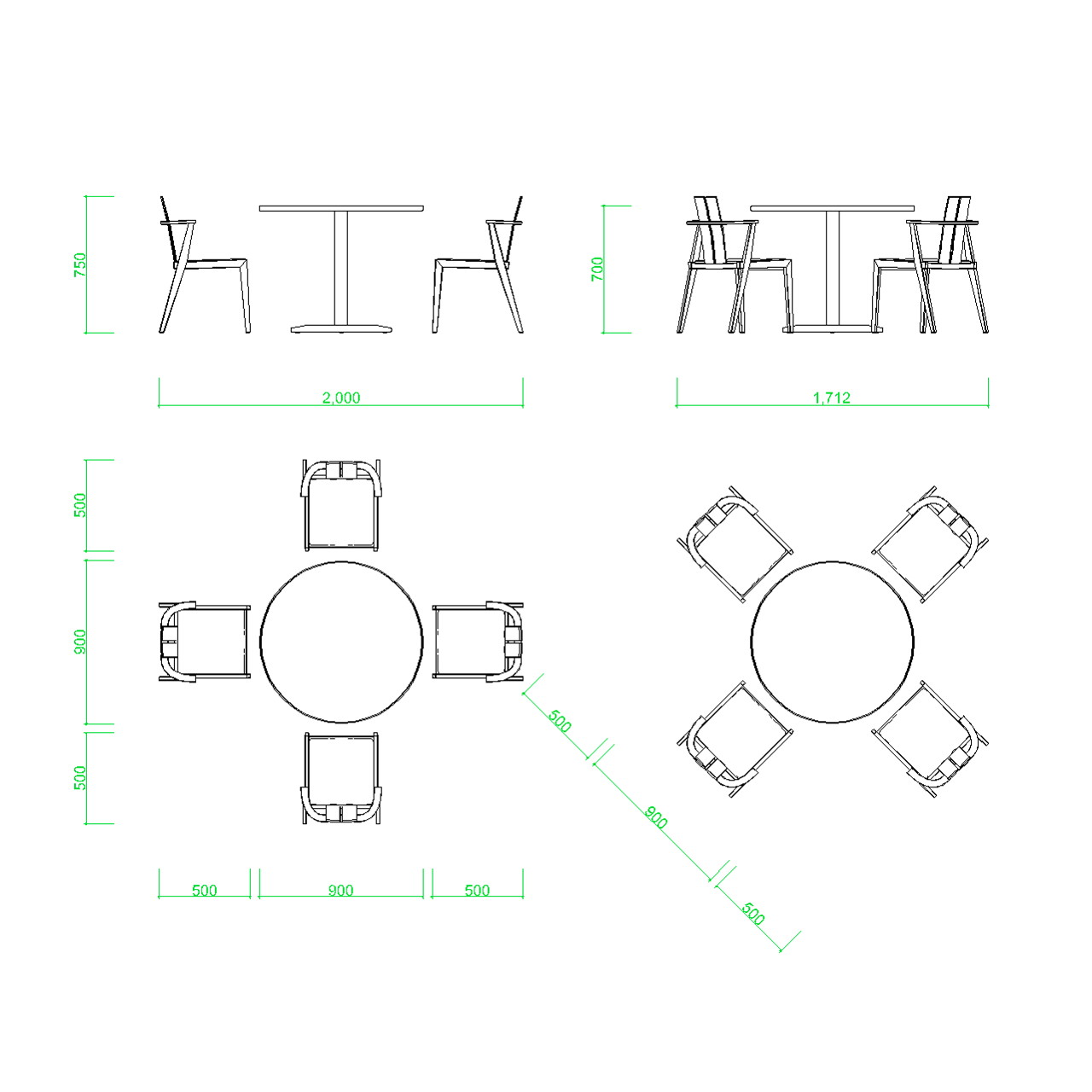
table_round_4seat.dwg
98%
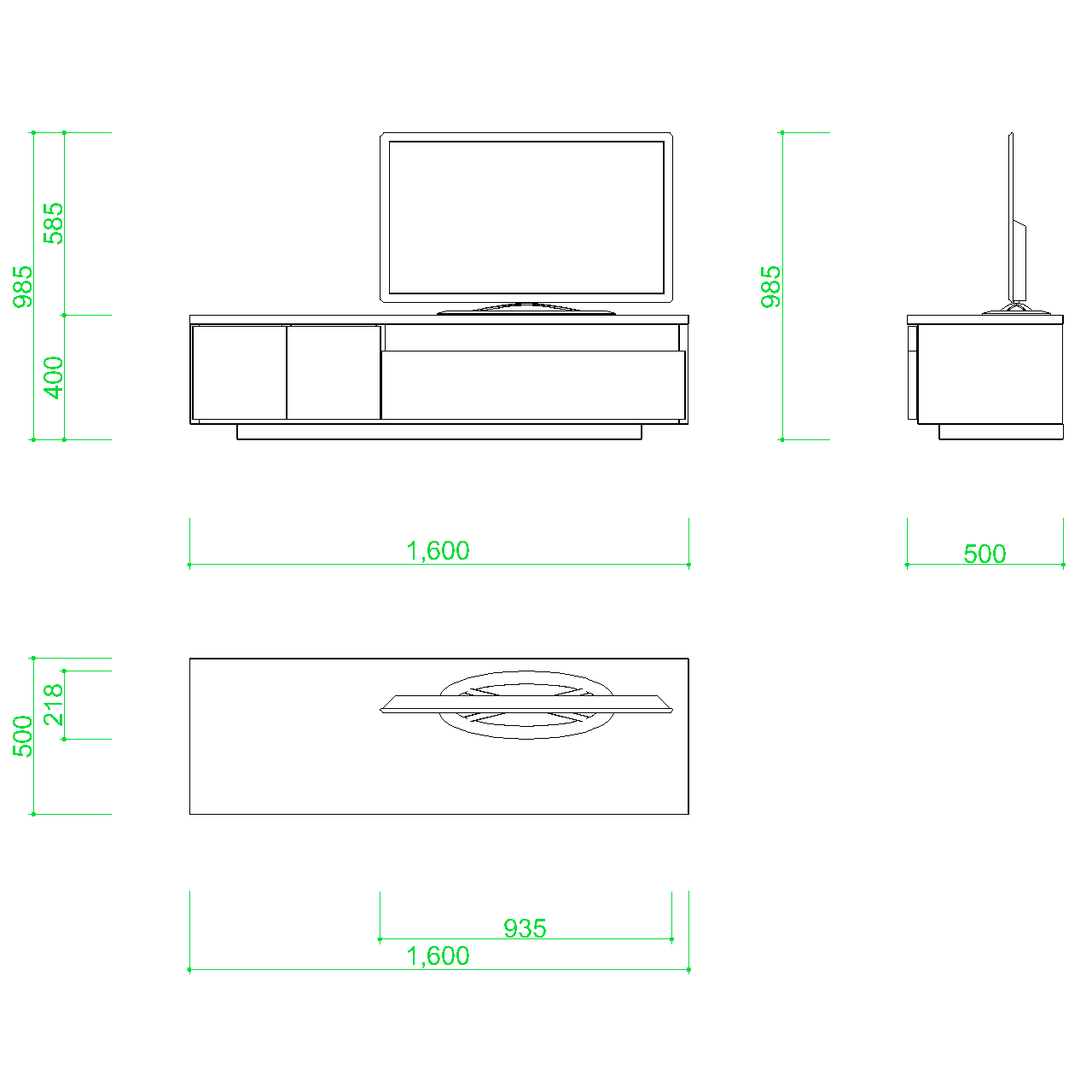
av_cabinet_tv_mount.dwg
94%
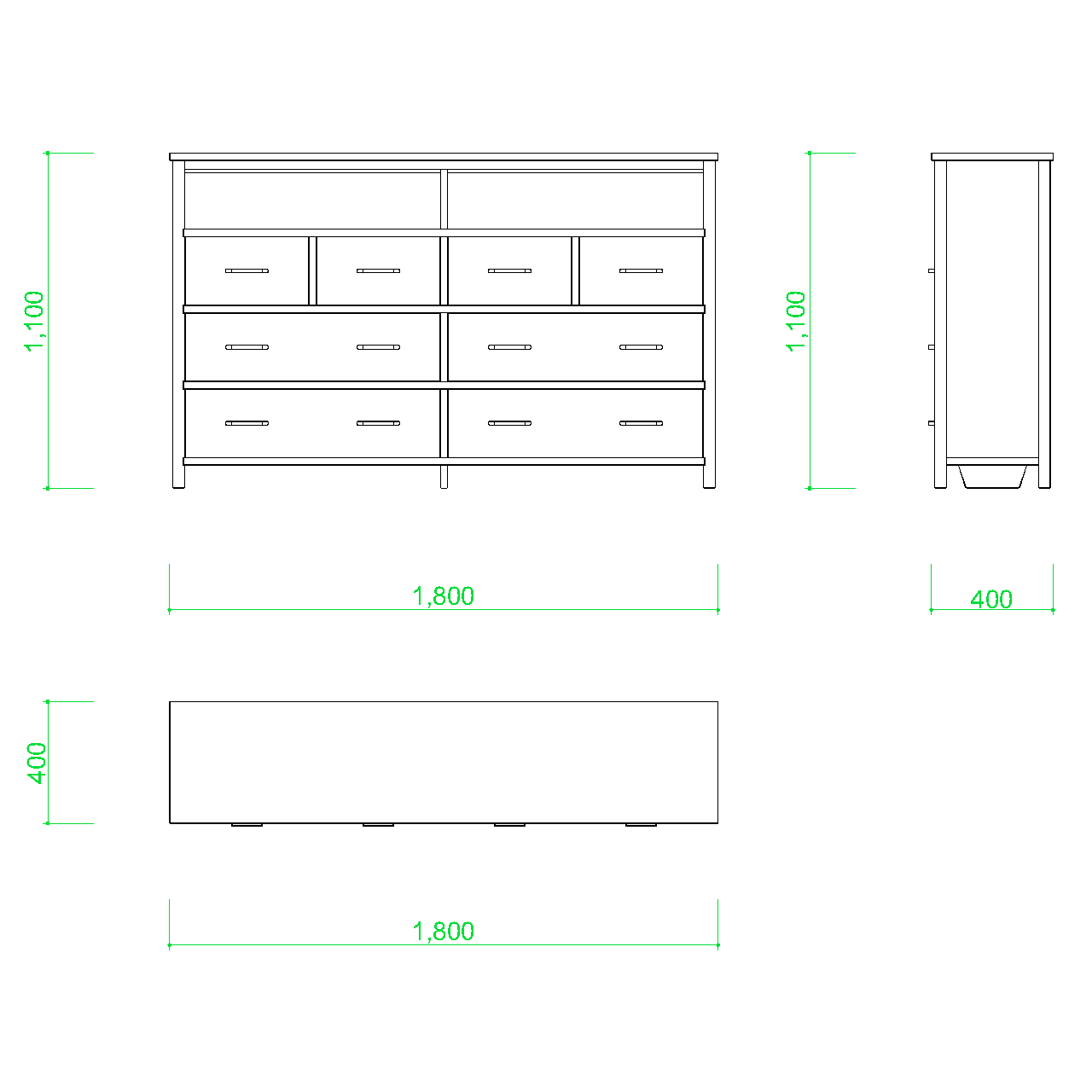
storage_drawer_unit_A.dwg
87%
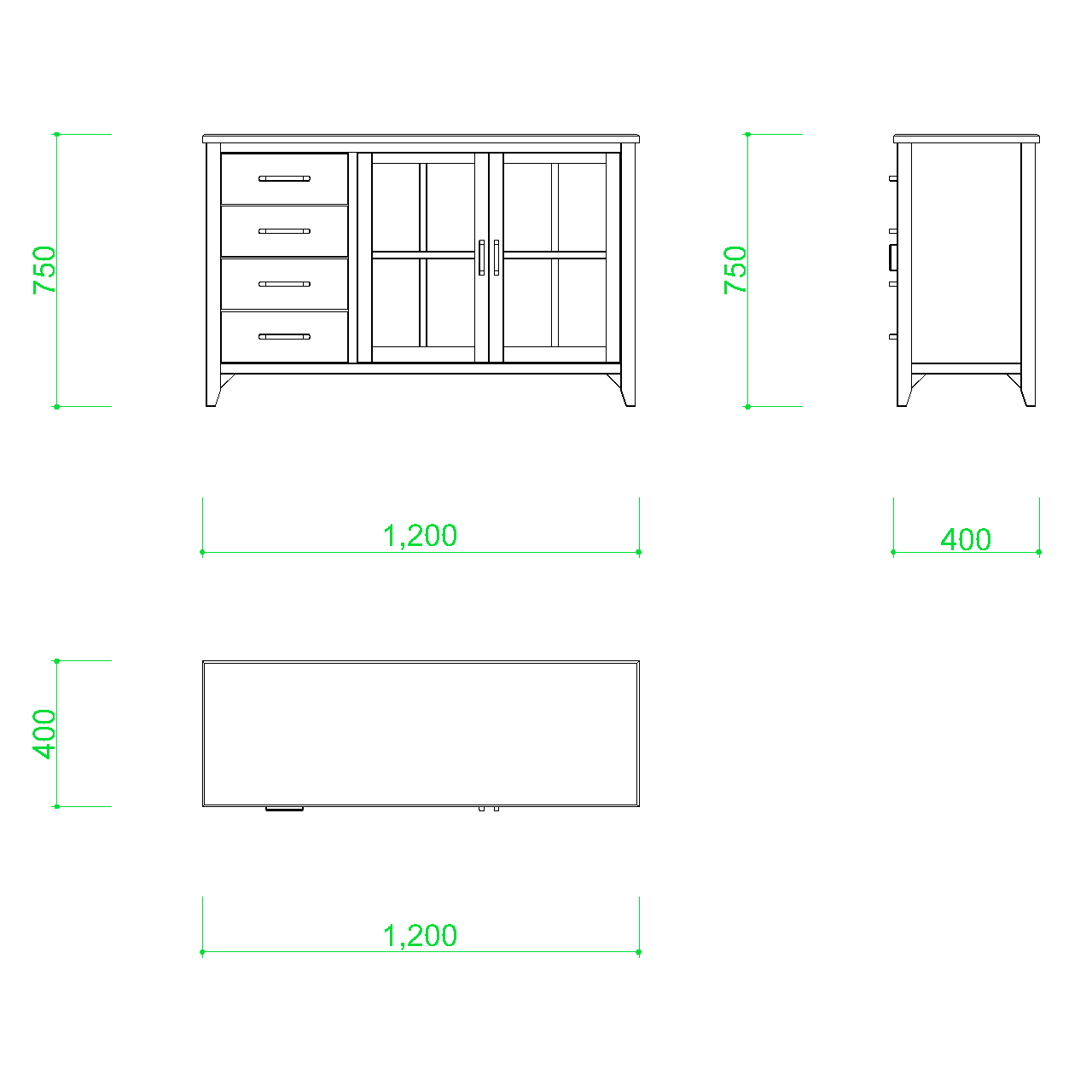
storage_drawer_unit_B.dwg
81%
Query Drawing
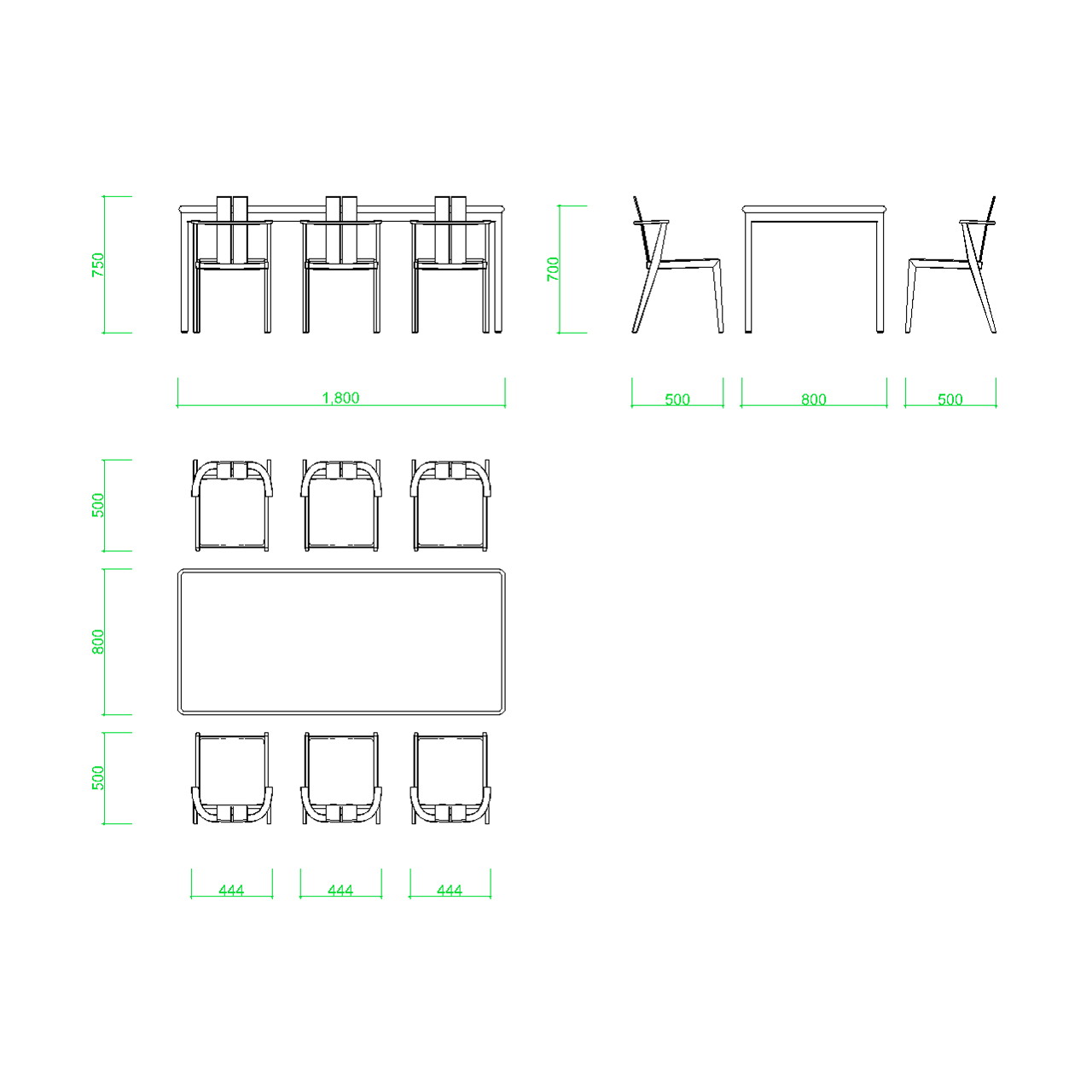
table_rect_6seat.dwg
Find Similar
Powered by the DARE AI search engine - AI drawing similarity search that runs locally
AI
CAD drawing similarity search
DWG
Supported format
Local
No cloud upload required
Auto
Automatic indexing
Lost drawings create hidden work
Even when similar drawings already exist, they are difficult to reuse if you do not know the file name or where they were saved. DARE Research helps you find similar drawings inside a project folder by using drawing geometry as the search clue.
Search Loss
Time spent opening folders and checking drawings one by one.
Missed Reuse
Similar past drawings may exist, but cannot be reused if they cannot be found.
Hidden Drawing Assets
Past drawings and design know-how remain buried in folders instead of being reused.
Search by drawing shape, not by file name
DARE Research helps you search DWG drawings registered in a project folder using thumbnails and AI-powered geometry similarity search.
Project Folder
Organize searchable drawings by project
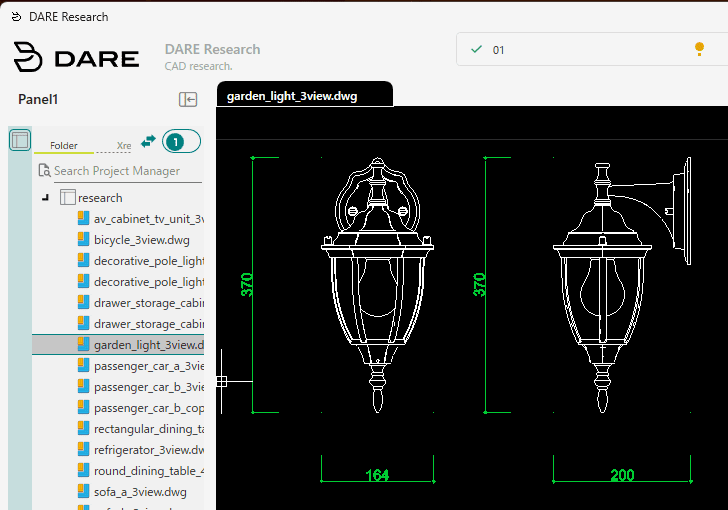
DARE Research searches DWG drawings saved in a dedicated project folder. By keeping the search scope clear, you can organize past drawings by project, customer, or use case and search only within the drawings you want to manage.
Search drawings inside a project folder
Start from a DWG drawing
Organize drawings by project or use case
Keep the search scope clear and manageable
Drawing Preview
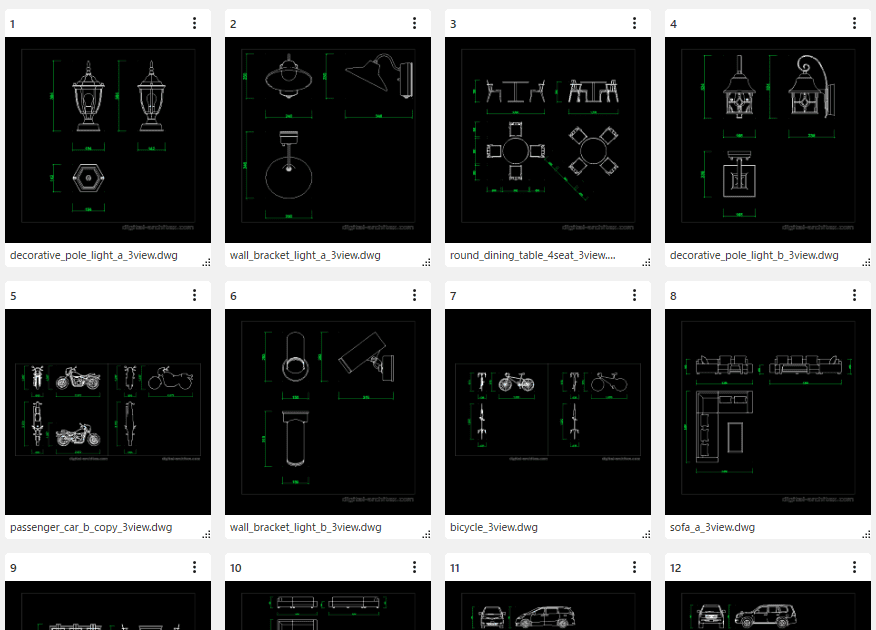
Preview drawings before opening CAD
View drawings in your project folder as thumbnails. Instead of opening each file in CAD one by one, you can visually scan drawing layouts and narrow down likely candidates.
Preview drawings visually
Check drawing contents before opening CAD
Browse candidate drawings more easily
Useful for reviewing similarity search results
AI Geometry Similarity Search
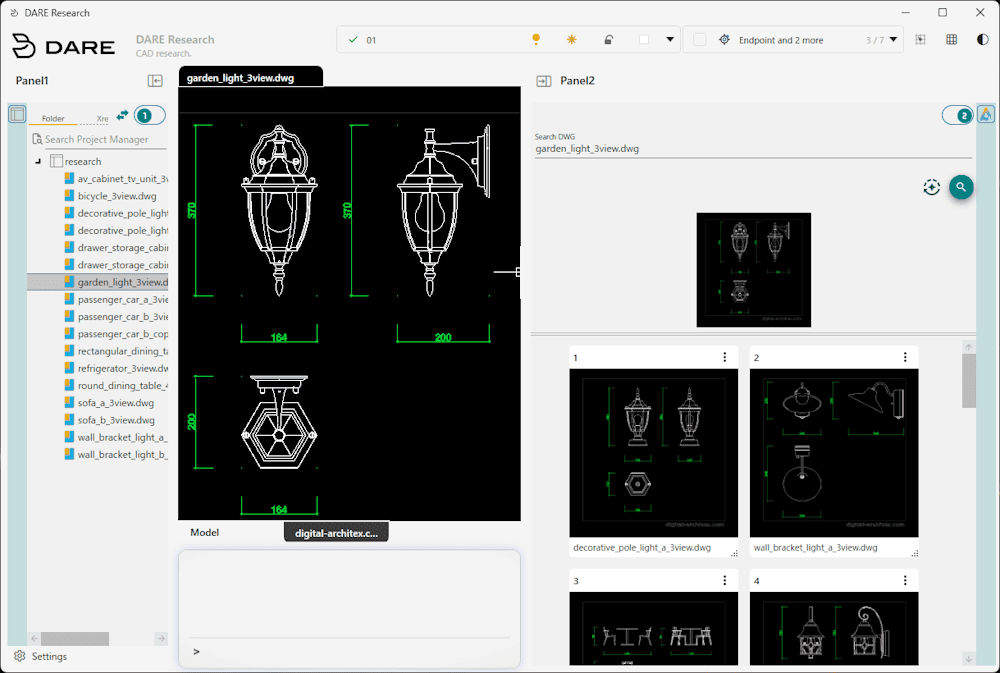
Find similar drawings by shape
Use a reference drawing or shapes inside a drawing to search for similar DWG drawings in your project folder. Even when file names are unclear, DARE Research helps you reach past drawings through geometry.
Shape-based similarity search
Find candidates without relying on file names
Search drawings inside a project folder
Local search processing
7-day free trial · Account & card required · Cancel anytime
Easy to start, even for business use
No server setup or large-scale data migration is required.
Select the drawing folder you want to search as a project folder, and start AI drawing similarity search locally on Windows.
Select a project folder
Register the DWG drawing folder you want to search as a project. You can use a local folder or a shared folder that can be accessed from Windows as the project folder.
Manage search targets by project
Supports local folders
Supports shared folders accessible from Windows
Keeps your existing drawing organization easier to use
No cloud upload required
DARE Research does not require drawing data to be uploaded to a cloud service. Indexing and similarity search run locally, making it easier to use with confidential or customer-owned drawings.
No cloud upload required
No drawing upload to external services
Local search processing
Suitable for confidential drawings
No server or database setup
No dedicated server or database is required. Install the Windows app, select or create a project folder, and start indexing and similarity search.
Standalone installer
No server setup
No database setup
Easy to start with a small project
Works with DWG-compatible CAD workflows
Use Cases
Find similar past drawings as reuse candidates
DARE Research helps you search DWG drawings in a project folder by geometry, making it easier to find past drawings that may be reused.

Manufacturing and Fabrication
Find drawings for similar brackets, jigs, plates, mounting parts, and other components from past projects. Useful when checking similar parts or looking for reusable drawing candidates.

Architecture and MEP Design
Find similar standard details, equipment symbols, layouts, and related drawings by shape. Useful when file names alone are not enough to locate past drawings.

Plant and Facility Maintenance
Find similar equipment layouts, as-built drawings, and drawings from past modifications inside a project folder. Useful for referring to accumulated drawings when planning maintenance or renovation work.
Why choose DARE?
Windows file search can locate filenames and basic metadata, but it does not search the actual content of CAD drawings.
DARE Research searches inside DWG drawings, builds local indexes, and helps you find reusable files by text, preview, and geometry.
Category | DARE Research | Windows file search |
|---|---|---|
CAD drawings with hard-to-remember file names | Search by shape Search by the shapes inside drawings and find similar drawings based on actual geometry. | Name and metadata only You can only search by file name or saved metadata, so it is difficult to find drawings when the file name is unclear. |
Finding the right DWG from a large archive | AI-based matching AI indexes drawing content and compares DWG files by geometry, not just by file names. | No geometry understanding Windows file search does not understand the geometry or internal drawing structure of DWG files. |
Drawing thumbnails and previews | Visual preview Automatically generates drawing thumbnails so you can visually confirm files before opening them. | Limited preview support Previews and thumbnails depend on the environment and are not optimized for large drawing archives. |
Adapting to your current drawing storage | Works with existing folders Works with folders that already contain your drawings, without forcing you to reorganize your files first. | General-purpose search Basic search works on existing folders, but it is not specialized for CAD drawing search workflows. |
Searching DWG before opening in CAD | Reduces opening work Lets you narrow down DWG drawings before opening them and helps you reach the right file faster. | Not specialized for DWG search You can search folders, but not the actual drawing content in a way that supports CAD file discovery. |
Reusing past drawings | Supports reuse Helps you quickly find past drawings that can be reused as references for similar projects. | Hard to reuse vague archives If the file name or save location is vague, it becomes difficult to locate reusable drawings efficiently. |
Pricing
Try DARE Research free for 7 days.
A Windows app for AI-powered DWG drawing similarity search.
Start with one user, no server setup, and no initial implementation cost.
Monthly Plan
$15
per user / month
7-day free trial
AI drawing similarity search
Project folder-based search
Email support
Annual Plan
$150
per user / year
2 months free compared with monthly billing
7-day free trial
AI drawing similarity search
Project folder-based search
Email support
Secure checkout
No cloud upload required
No charge during the 7-day trial
Credit card registration required
If you cancel during the free trial, you will not be charged. Subscription renewal notifications are sent through Stripe automated emails.
FAQ
What is DARE Research?
DARE Research is a Windows app for AI-powered CAD drawing similarity search. It uses the shapes and blocks inside DWG drawings to help find similar drawings inside a project folder.
How is it different from Windows file search?
Windows file search is useful when you know the file name, folder, or date. DARE Research searches by drawing geometry, so it can help find similar DWG drawings even when the file name is unclear.
Do I need to convert DWG drawings to PDF or images first?
No. You do not need to manually export DWG drawings to PDF or image files before using DARE Research. Register the DWG drawings in a project folder and start searching from the app.
Can I search text, dimensions, or part numbers inside drawings?
DARE Research is not currently a keyword search tool for drawing text, dimensions, or part numbers. Its main function is AI-powered similarity search based on blocks and drawing geometry.
What file formats are supported?
DARE Research is designed for DWG drawing files. Supported versions and detailed compatibility may vary depending on the product release.
What folders can I search?
You select a drawing folder as a project folder. Local folders and shared folders accessible from Windows can be used as project folders.
Can I use drawings on a shared folder or file server?
If the folder can be accessed normally from Windows, it may be used as a project folder. Performance and indexing time may vary depending on access permissions, network conditions, file count, and drawing size.
Will my drawings be uploaded to the cloud?
No cloud upload is required for drawing search. Indexing and AI similarity search run locally. Internet access may still be required for license authentication, payment, or related account processes.
How long does indexing take?
Indexing time depends on file count, file size, drawing contents, PC performance, and storage location. For large drawing folders, we recommend starting with a smaller project folder first.
What is DARE Research best suited for?
DARE Research is useful when you want to find similar past DWG drawings, reuse drawing candidates, check similar parts, or visually browse drawings in a project folder.
What are the system requirements?
DARE Research is a Windows app. The required memory and storage depend on the number and size of drawings you register.
Is there a free trial?
Yes. A 7-day free trial is available. A credit card is required to start the trial, but if you cancel during the free trial, you will not be charged.
Find drawings that file names cannot. Search by content instead.
DARE Research helps you search DWG drawings inside a project folder using AI-powered geometry similarity search. Find similar past drawings and reuse candidates without relying only on file names.
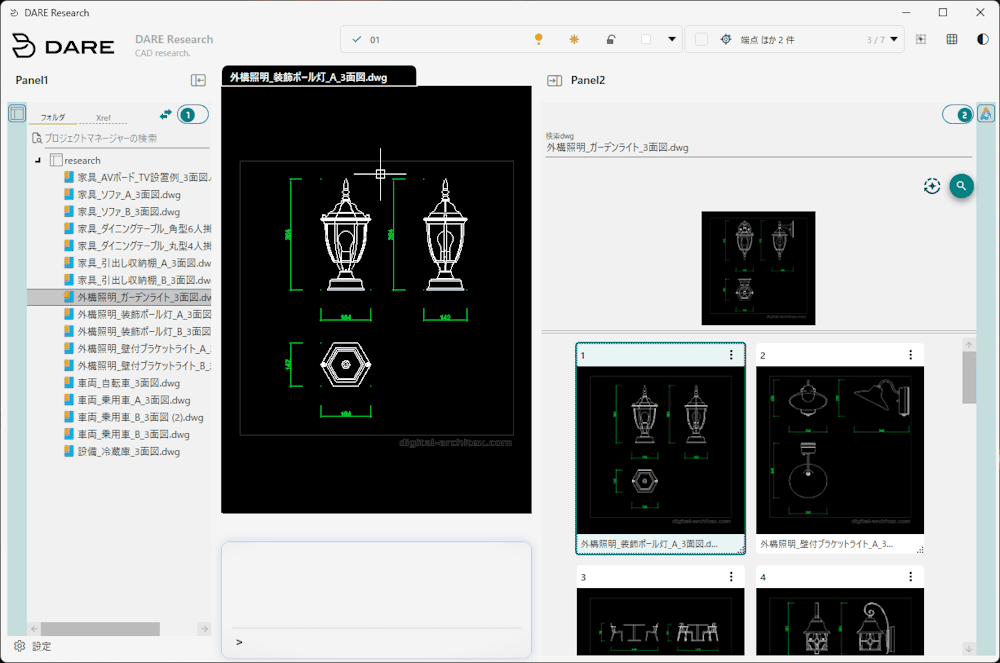
AI-powered DWG similarity search
Use geometry similarity and thumbnails to find reusable drawing candidates in your project folder.
Search DWG drawings inside a project folder
AI-powered geometry similarity search
Cloud-free local operation
Start with one user
AI geometry matching
Cloud-free local app
7-day free trial · Account & card required · Cancel anytime
Questions?
Contact us through the support form.